

How Google My Business Impacts Local SEO Results
If you want local customers to find your business online, your Google My Business local SEO strategy is essential. Google My Business, now called Google Business Profile, is a free tool that gets your business in front of people searching for what you offer in your area. When someone searches for “web design Petaluma” or “pizza near me,” Google uses information from Google My Business listings to decide which businesses show up in the local map pack and on Google Maps.
Here’s how Google My Business directly improves your local SEO:
- Visibility in Local Search: Your profile details—like business name, address, phone number, hours, reviews, and photos—help Google decide if you’re relevant to searchers nearby.
- Control Over Business Info: You tell Google exactly how your business should appear, reducing the chances of outdated or wrong info getting shown.
- Customer Engagement: People can call, message, or get directions right from your listing. You can reply to reviews and answer questions, showing you’re active and responsive.
- Trust Signals: Star ratings and reviews are highly visible, helping you stand out and build trust fast.
For example, at RAD Web Marketing in Petaluma, we’ve seen clients get up to 50% more calls within three months of fully optimizing their Google My Business local SEO profiles. Local contractors, restaurants, and service businesses often see their map pack rankings jump within weeks when they claim and update their profile.
For further reading, see What Is Google My Business Local SEO? from coursera.org.
Google puts a lot of weight on your Google My Business information because it wants to deliver the best choices to local searchers. If your profile is complete, accurate, and regularly updated, you’ll show up more often when ready-to-buy customers are searching nearby.
Comparing Google My Business to Other Google Tools for Local SEO
Google offers several tools that affect your local SEO, but not all of them work the same way. Here’s how Google My Business stacks up against some of the most common:
- Google My Business (Google Business Profile): Main tool for local search visibility. Shows your business on Maps and in local search results. Lets you manage reviews, hours, photos, and contact info.
- Google Search Console: Tracks your website’s performance in Google searches. Alerts you to technical issues. Helps you understand which keywords people use to find your site, but doesn’t control your map listing or local pack appearance.
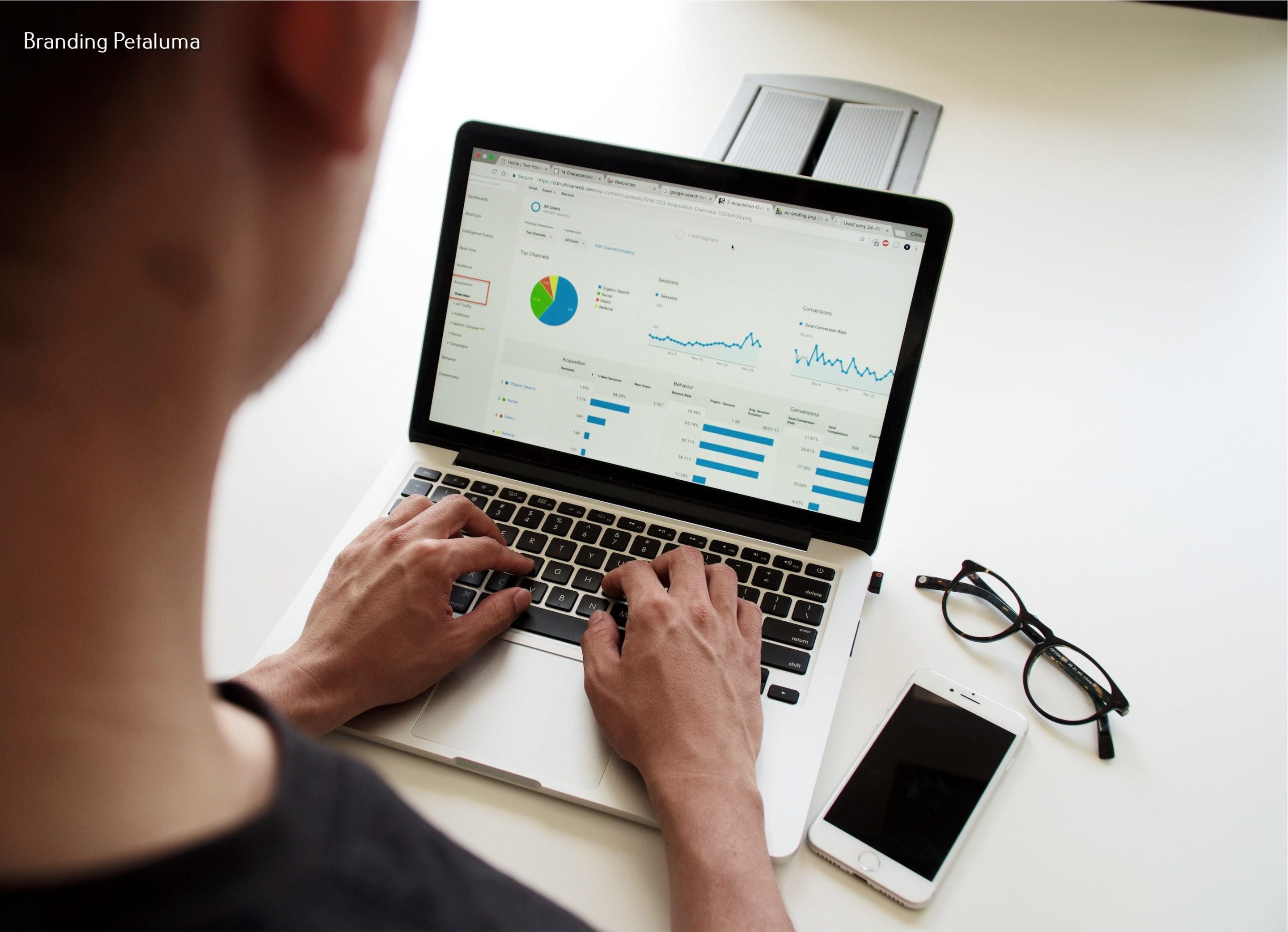
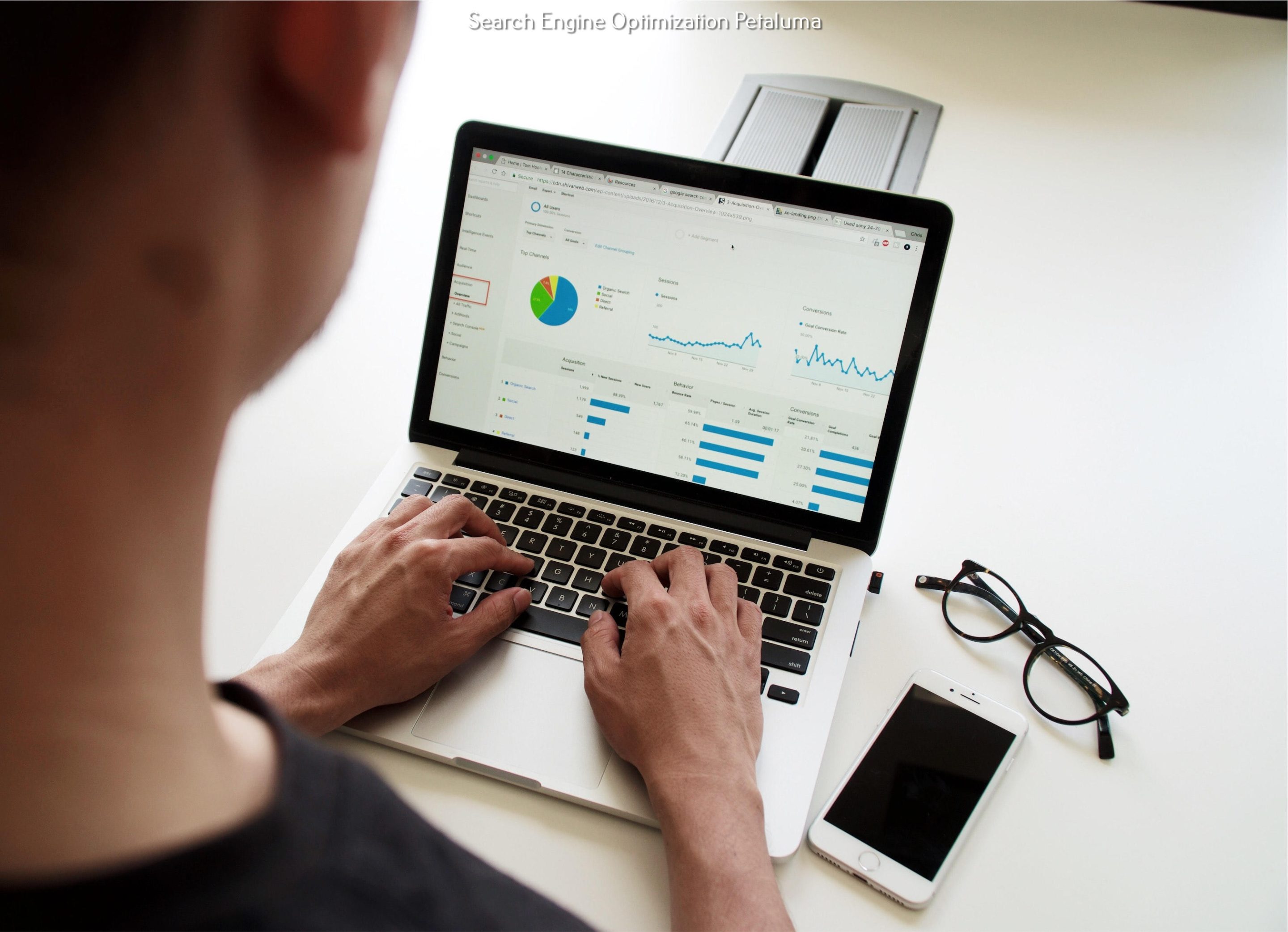
- Google Analytics: Monitors how visitors use your website. Provides data about visitor behavior but doesn’t directly affect your search rankings or map presence.
- Google Ads: Lets you pay for ads to appear above local results. These are marked as ads and don’t count as organic local SEO, but can still drive traffic.
- Google Maps Platform: Used by developers to integrate maps into websites or apps. Not focused on local business ranking.
- Google Posts (Within Google My Business): Lets you share updates, offers, and news directly in your Google My Business profile. Helps keep your listing fresh and engaging for potential customers.
While tools like Search Console and Analytics are crucial for understanding your overall SEO, only Google My Business gives you direct control over your local listing and visibility in the coveted Google Map Pack. If your main goal is to get found by local customers, Google My Business should be your top priority.
What Makes Google My Business Stand Out for Local Search
When you compare all the Google tools, Google My Business stands out because it directly feeds the information Google shows to people searching for local services. Here’s why it’s so important for local businesses:
- Direct Map Placement: Google pulls your business info, reviews, and updates straight from your profile to show in Maps and the local search pack. No other tool does this.
- Easy Updates: You can quickly change your hours, add photos, or post offers. These changes show up in Google search and Maps within minutes, helping customers get accurate info fast.
- Customer Interaction Tools: Google My Business lets you respond to reviews, answer questions, and message customers. This kind of engagement can set you apart from competitors who don’t respond.
- Rich Listing Features: Besides your contact details, you can showcase products, post updates, and add attributes (like “Women-led” or “Wheelchair accessible”). These features make your profile more appealing and informative.
- Free and Accessible: Unlike Google Ads, you don’t have to pay to appear in local search packs or on Maps. It’s a level playing field for all businesses.
Let’s say you run a local bakery. By claiming and optimizing your Google My Business profile, you can show off photos of your pastries, respond to customer reviews, and announce daily specials. This makes you more likely to catch the attention of someone searching for “fresh bread near me” than a competitor who hasn’t updated their listing in months.
No other Google tool gives you this combination of visibility, control, and customer engagement for local search. For business owners in Petaluma or anywhere else, this is a clear advantage.
Limitations of Relying Only on Google My Business
While Google My Business is powerful for local SEO, it’s not the only thing you should rely on. There are some real limits to what it can do alone:
- Doesn’t Replace a Website: Many customers still want to visit your website before deciding. Google My Business is not a substitute for a professional, mobile-friendly website.
- Limited Control Over Rankings: Google decides which businesses show in the top spots. Even with a perfect profile, you might not always appear above competitors, especially in crowded markets.
- Subject to Google’s Changes: Google can change how profiles are displayed or what features are available at any time. You have no control over these updates.
- Review Management Can Be Challenging: Negative reviews can impact your reputation, and it takes ongoing effort to respond and resolve issues.
- Spam and Fake Listings: In some industries, spammy or fake listings can crowd out legitimate businesses, making it harder to stand out.
- No Direct Impact on Website SEO: While your profile can increase calls and map visits, it doesn’t improve your website’s organic rankings outside the map pack.
Think of Google My Business as a powerful tool in your toolbox—but not the only one you need. At RAD Web Marketing, we always recommend using it alongside a solid website and other SEO strategies for best results.
How Google My Business Works with Other Google Tools
Google My Business is even more effective when you use it together with other Google tools. Here’s how they can work hand-in-hand to strengthen your local SEO:
- Google Analytics: Link your website to Google Analytics to see how many people visit your site from your Google My Business profile. This helps you measure real results, like call volume or appointment bookings.
- Google Search Console: Use Search Console to track which keywords bring people to your website. If your profile is well-optimized, you’ll often see more branded searches (like “RAD Web Marketing Petaluma”).
- Google Ads: For competitive industries, running Google Ads alongside your profile can ensure you show up both in paid and organic local results. Some businesses dominate the top of the page by combining paid and organic strategies.
- Google Posts (within your profile): Regular posts keep your profile fresh and give customers reasons to choose you, like special events or offers.
- Google Maps Platform: If you have a store locator or map on your website, integrating Google Maps can make it easier for customers to find your physical location.
Imagine a local salon: They use Google My Business to appear in the local pack and on Maps, Google Ads to reach customers searching for “haircuts Petaluma,” and Google Analytics to track which services are most popular. This combination gives them full control over their online presence and customer insights.
For most businesses, using these tools together creates a stronger local SEO strategy than relying on any one tool alone.
Google My Business Local SEO: Results You Can Expect
When you invest time into Google My Business local SEO, what results can you realistically expect? Here are some common outcomes business owners see:
- Increased Local Calls and Visits: Many businesses see more phone calls and in-person visits from customers who found them on Google Maps or local search.
- Higher Map Pack Rankings: With a complete and active profile, you’re more likely to appear in the top three local results for relevant searches.
- More Customer Reviews: Encouraging reviews through your profile can lead to a steady stream of positive feedback, helping you build trust.
- Improved Brand Recognition: The more often your business appears in local searches, the more familiar people become with your name and services.
- Better Conversion Rates: People who find you on Google My Business are often ready to call, visit, or book—making them some of your most valuable leads.
- Data on Customer Actions: Google My Business provides insights on how many people viewed your listing, called, or requested directions.
For example, a Petaluma-based plumber who optimized their profile saw their call volume double over six months, just from increased visibility in local searches. A restaurant that posted weekly specials noticed a 20% rise in table bookings.
These are the kinds of outcomes you can expect when you make Google My Business local SEO a priority.
When Other Google Tools Matter More Than Google My Business
There are times when other Google tools might be more important for your business than Google My Business. Here are some scenarios:
- Online-Only Businesses: If you don’t serve customers at a physical location or in a specific area, Google My Business won’t help as much. Focus on Search Console and website SEO.
- National or E-commerce Brands: Businesses selling nationwide or worldwide need to optimize their website and invest in Google Ads and Analytics, as local search is less relevant.
- Technical SEO Issues: If your website has indexing or crawling problems, fixing these with Search Console matters more than updating your profile.
- Paid Search Campaigns: When you need quick results or want to target specific keywords, Google Ads can bring immediate traffic.
- In-Depth Website Analytics: If you want to track detailed visitor behavior, Google Analytics provides much more data than Google My Business alone.
- Multiple Locations with Complex Needs: Large chains may need more advanced tools, like Google Maps Platform or enterprise analytics.
For example, an online retailer selling across the U.S. won’t benefit from local map listings, so investing time in Google My Business won’t move the needle. Instead, they should focus on website SEO and paid ads.
Knowing when to prioritize other tools helps you spend your time and marketing budget wisely.
Choosing Where to Focus: Google My Business or Other Tools?
How do you decide whether to put your energy into Google My Business local SEO or other Google tools? Start by asking yourself a few questions:
- Do you serve customers at a physical location or within a specific service area?
- Is your business dependent on local foot traffic or local leads?
- Are your competitors showing up in the Google Map Pack and attracting local customers?
- Does your website perform well in search, or are you struggling to get visitors?
If you answered yes to the first three questions, Google My Business should be your main focus. For local service businesses—like contractors, restaurants, salons, and retail stores—being visible in local search results is crucial.
On the other hand, if you sell products nationally or have no physical location, prioritize your website SEO with Search Console and Analytics, and consider Google Ads for targeted reach.
At RAD Web Marketing, we always tailor our strategies to your business model and goals. For most local businesses in Petaluma and Sonoma County, Google My Business is the starting point. But we help you integrate it with your other online efforts for the best overall results.
Simple Next Steps to Improve Your Local SEO with Google Tools
Ready to make your business more visible in local searches? Here are some practical steps you can take right now:
- Claim and Verify Your Google My Business Profile: Make sure your business is listed and verified so you can control your information.
- Complete Every Section: Add business hours, photos, services, and a detailed description. The more info, the better.
- Encourage Customer Reviews: Ask happy customers to leave reviews on your profile, and always respond—good or bad.
- Post Regular Updates: Use Google Posts to share announcements, offers, or events. This keeps your listing fresh.
- Check Your Data: Use the Insights tab in Google My Business to see how people find and interact with your listing.
- Link to Your Website: Make sure your website is listed and the link works. This drives traffic and helps with search rankings.
- Monitor with Google Search Console: Set up Search Console to track your website’s SEO performance and fix any issues that come up.
- Track Results with Google Analytics: Watch for increases in website visits, calls, and map requests to measure your progress.
- Update Regularly: Keep your profile up to date—especially your hours, photos, and contact info.
- Get Professional Help if Needed: If you want to move faster or see better results, consider working with a local agency like RAD Web Marketing. We can set up and optimize your Google My Business local SEO and integrate it with your full online strategy.
If you want more local customers to find you online, don’t wait. Take these steps today—or let our team at RAD Web Marketing help you. Call us at 707-205-3600 to get started and see real results for your business.
Frequently Asked Questions
How does Google My Business help my business rank higher in local searches?
Google My Business (now Google Business Profile) boosts your local SEO by making sure your business details like name, address, hours, and reviews are visible and accurate on Google Maps and local search results. Optimizing your profile can help you appear in the local map pack, making it easier for nearby customers to find and contact you.
What information should I include in my Google My Business profile for better local SEO?
Make sure your profile has your correct business name, address, phone number, hours, website, high-quality photos, and a detailed description. Regularly update your information and encourage customers to leave reviews for the best local SEO results.
How can I get more reviews on my Google My Business listing?
Ask satisfied customers to leave a review by sending them a direct link to your Google profile after a positive experience. Respond to all reviews, thank reviewers, and remind customers in person or by email to boost your review count.
Is Google My Business more important for local SEO than other Google tools?
Yes, for local businesses, Google My Business is the most important Google tool because it directly affects your visibility in local searches and on Google Maps. Other tools like Google Analytics are useful for tracking, but your Google Business Profile is what gets you found locally.
How quickly can I see results after optimizing my Google My Business listing?
Many businesses, like clients of RAD Web Marketing in Petaluma, start seeing more calls and higher local rankings within a few weeks to three months of fully optimizing their profile. Consistently updating your listing and collecting reviews helps speed up results.
Related reading: How Does a Google Business Profile Boost Local SEO for Small Businesses?



































0 Comments