
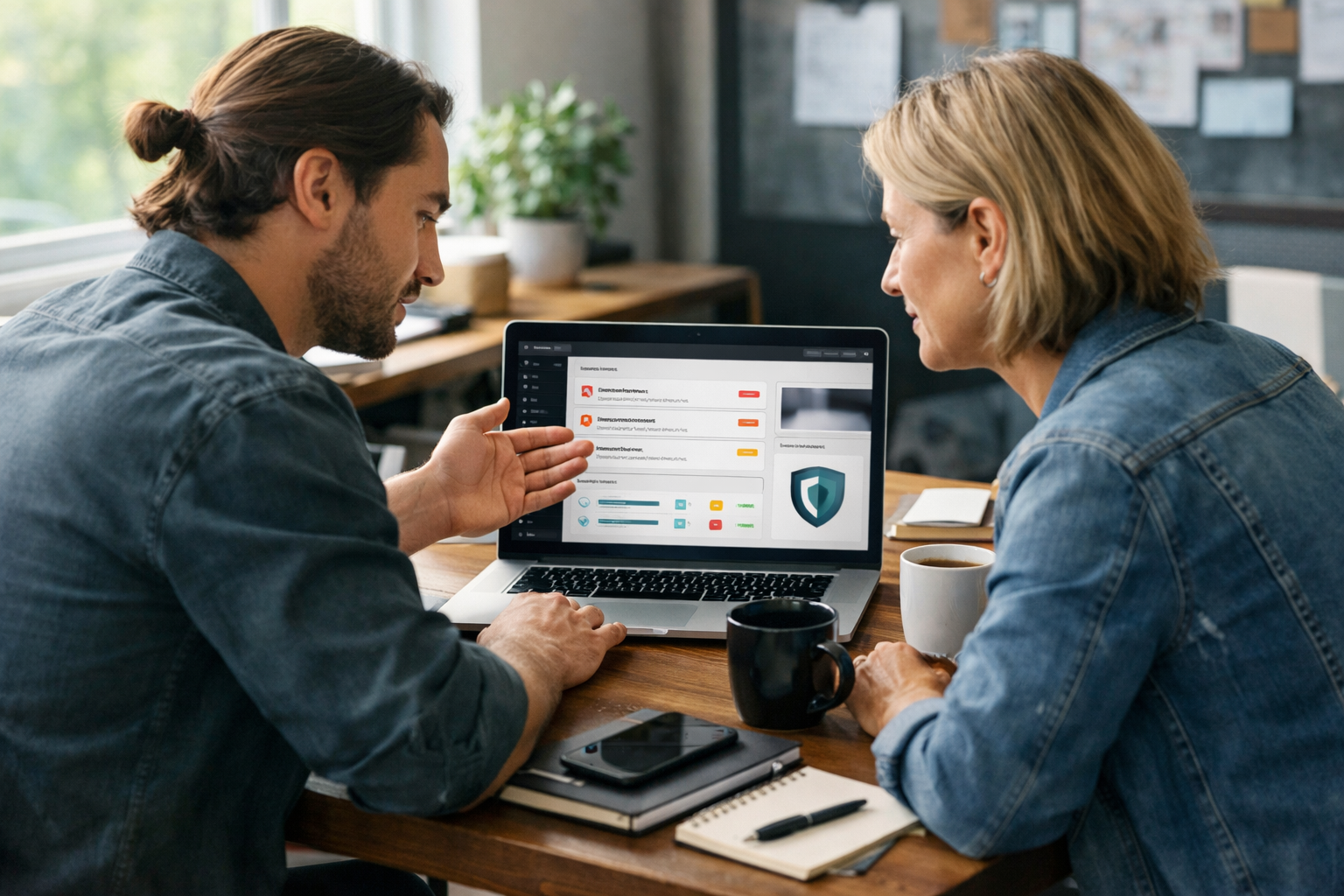
What Is the Real Difference Between Website Maintenance Services and DIY Plugin Updates?
Website maintenance services are a professional, ongoing approach to keeping your website secure, fast, and up-to-date, while DIY plugin updates are a manual, self-managed method where you handle updates yourself. The key difference is the level of expertise, coverage, and peace of mind you get.
When you rely on website maintenance services, a dedicated team monitors your site, performs updates, fixes issues, and proactively protects your online presence. This usually covers much more than just plugins—it includes backups, uptime monitoring, malware scanning, and performance checks. For example, at RAD Web Marketing, clients receive hands-on attention from experts who know what to look for and how to prevent small problems from becoming big ones.
With DIY plugin updates, you’re responsible for logging into your site, reviewing pending updates, and clicking “update” as needed. This can work for very simple websites, but you risk missing critical updates or not noticing plugin conflicts. DIY only covers the basics and depends on your attention and time.
If you want comprehensive protection and reliability, maintenance services offer a safety net. If you want to save money and your site is small, DIY might be enough—but it comes with risks.
How Do Website Maintenance Services Actually Protect Your Site?
Website maintenance services protect your site by providing layered security, expert monitoring, and rapid response to threats or technical issues.
These services go far beyond the basics. The team monitors your site for suspicious activity, failed logins, and malware. They perform security scans and keep all software, themes, and plugins up to date. If a vulnerability is found, they act quickly to patch it—often before you’d even notice a problem. For example, if a plugin you use is suddenly found to have a security flaw, a maintenance service will either update it, patch it, or temporarily disable it to keep your site safe.
Backups are a key part of protection. Maintenance plans usually include automated, off-site backups so your website can be restored if something goes wrong. Regular checks for broken links, slow pages, and outdated software help prevent issues that can affect your reputation and search rankings.
With professionals like those at RAD Web Marketing, you benefit from experience—they know which vulnerabilities are trending, spot issues that automated tools miss, and handle problems before they escalate. This proactive, all-in-one approach is hard to match with DIY methods.
What Are the Limits of Relying on DIY Plugin Updates for Security?
- Missed or delayed updates
- Overlooking security patches for core software and themes
- No monitoring for emerging threats or vulnerabilities
- Lack of regular, tested backups
- Limited knowledge of plugin conflicts or compatibility issues
- Manual process that depends on your time and attention
When you handle plugin updates yourself, you might miss notifications or forget to check for new updates. Many business owners only update plugins every few weeks—or even less. Outdated plugins are a common entry point for hackers.
DIY usually ignores updates to other parts of your site, like the core platform (such as WordPress) and your site’s theme. If you’re not updating these, you’re leaving gaps in your security net.
Most business owners don’t run regular malware scans or monitor for suspicious logins. If an attacker finds a hole before you do, you could lose data or damage your reputation. DIY also doesn’t guarantee you have a backup if an update causes problems.
The process relies on you remembering and understanding what updates are safe. Without expert review, you could trigger plugin conflicts that break site features or slow everything down.
Can Regular Plugin Updates Alone Keep Your Website Secure?
No, regular plugin updates alone cannot keep your website secure—they are necessary, but not enough on their own.
Updating plugins is a good habit. It closes known vulnerabilities and keeps your site running smoother. But security is about layers, not just updates. Hackers often target websites through weak passwords, outdated core software, or unmonitored admin accounts—none of which plugin updates cover.
For example, if your website uses an old theme or if you have unused plugins sitting deactivated, these can still be exploited. Regular updates don’t scan for malware, monitor suspicious activity, or alert you to new types of attacks. Even with every plugin updated, your site could get hit by brute-force attacks or have a misconfigured setting that exposes sensitive information.
You also need daily backups, security monitoring, and a plan to respond quickly if something goes wrong. Professional website maintenance services provide these layers. DIY plugin updates are just one piece of the puzzle.
Website Maintenance Services: How Do They Impact Long-Term Performance?
Website maintenance services directly improve your site’s long-term performance by ensuring everything runs smoothly, stays fast, and avoids costly downtime or technical failures.
For further reading, see Website maintenance services to runs smoothly and effectively from dotit.org.
- Ongoing optimization for speed and user experience
- Proactive troubleshooting of slowdowns and errors
- Regular cleanup of outdated files, unused plugins, and database clutter
- Continuous monitoring to catch issues before they affect visitors
- Consistent application of best practices for SEO and accessibility
When a site is neglected, small issues pile up. Images may not be compressed, plugins may conflict, or code may become outdated. Over time, this can slow your site and frustrate customers.
Maintenance teams, such as those at RAD Web Marketing, track your website’s health proactively. They run speed tests, fix broken links, and flag problems before they become visible to your audience. This keeps your site reliable and pleasant to use—both for customers and your team.
Sites that receive regular maintenance tend to load faster, rank higher in search results, and experience fewer outages. This pays off in better customer trust and higher conversion rates.

What Can Go Wrong with DIY Maintenance Over Time?
- Performance degradation from outdated or conflicting plugins
- Security breaches due to missed updates or weak passwords
- Broken site features after untested updates
- Lost data from lack of reliable backups
- Downtime with no quick way to recover
- SEO problems from broken links or slow pages
- Frustration from unexpected technical issues
If you handle all website maintenance yourself, it’s easy to overlook small issues. Over time, your site can become cluttered with unused plugins, old files, and broken links. This slows things down and can even cause pages to stop working. A single missed update might lead to a major security breach.
Many business owners only realize something’s wrong after customers start complaining or rankings drop. Without regular, tested backups, fixing a hacked or broken site can cost days of lost business. DIY updates can also trigger plugin conflicts, making parts of your site disappear or behave strangely, with no immediate help to fix them.
SEO and marketing can suffer, too. Broken forms or slow-loading pages drive visitors away. DIY is often reactive—problems get fixed only after they appear, not before.
How Much Do Website Maintenance Services Cost Compared to DIY?
Website maintenance services involve a monthly or yearly fee, while DIY mainly costs your time—but skipping professional help can lead to bigger expenses if things go wrong.
| Option | Typical Direct Cost | What’s Included |
|---|---|---|
| DIY Updates | Low (usually free, except your time) | Manual updates, your own troubleshooting, no expert monitoring |
| Maintenance Services | Monthly fee (varies by provider and site size) | Updates, backups, monitoring, security scans, expert support |
DIY can seem free, but your time has value—especially if you’re running a business. If a major issue happens, recovery costs can be much higher than a maintenance plan. For small, simple sites, DIY might be sufficient, but for business-critical websites, the cost of downtime or data loss usually outweighs the price of professional support.
RAD Web Marketing offers tailored plans so you only pay for what you need. Maintenance plans are an investment in uptime, security, and peace of mind.
When Does It Make Sense to Hire Website Maintenance Services?
- Your website is central to your business or generates leads/sales
- You don’t have time or expertise to manage updates and security
- You need reliable backups and fast recovery after problems
- Your site uses custom code, ecommerce, or complex features
- You want to protect your reputation and SEO investment
- You’ve experienced technical issues you couldn’t fix yourself
If your website is more than just an online brochure—or you’d lose money if it went down—professional website maintenance services are a smart investment. Business owners often underestimate the complexity of keeping a site running smoothly. If you can’t afford to be offline, or if your online reputation matters, it makes sense to have experts manage your site.
Even if you’re comfortable with basic updates, a maintenance plan covers more ground: security checks, fast repairs, and ongoing optimization that keeps your business competitive.
Website Maintenance Services vs DIY: Which Is Right for Your Business?
- Choose website maintenance services if:
- You want peace of mind and expert coverage
- Your website is critical for leads, sales, or client trust
- You need ongoing support, fast fixes, and proactive care
- Stick with DIY if:
- Your site is simple, rarely updated, and not business-critical
- You have technical skills and time to monitor everything yourself
- You’re comfortable handling emergencies and troubleshooting
The right choice depends on your business goals and resources. If downtime, lost data, or poor performance would damage your business, professional maintenance is likely the safer path. If your site is basic and you have the time and skill to manage it, DIY can work—but be prepared for the risks.
Think about how much your website matters to your day-to-day operations. If you’d rather focus on growing your business than worrying about technical details, consider maintenance services from a trusted provider like RAD Web Marketing.
Want to stop worrying about your website and focus on your business? Call RAD Web Marketing at 707-205-3600 or email info@radwebmarketing.com to discuss the best maintenance plan for your needs.

Frequently Asked Questions
What does a website maintenance service include?
A website maintenance service typically includes regular updates, security monitoring, backups, malware scans, and performance checks. These services help ensure your site remains secure, up-to-date, and running smoothly without you having to manage the details yourself.
Is it better to use a website maintenance service or do updates myself?
Using a website maintenance service is generally safer and more reliable, especially for business or complex websites. If your site is simple and you have the time and knowledge to manage updates, DIY can work—but it comes with the risk of missing critical updates or running into technical issues.
How do website maintenance services improve site security?
Website maintenance services improve security by proactively updating software, scanning for malware, and monitoring for threats. This layered approach helps catch vulnerabilities early and keeps your site protected against common attacks.
Can RAD Web Marketing handle all my website maintenance needs?
Yes, RAD Web Marketing offers comprehensive website maintenance services that cover everything from plugin updates to backups and security monitoring. If you want hands-on support and peace of mind, you can contact them at 707-205-3600 or info@radwebmarketing.com to learn more.
How often should professional website maintenance be done?
Professional website maintenance should be performed regularly, often on a weekly or monthly basis depending on your site's needs. Routine maintenance ensures you catch issues early and keep your website running smoothly for visitors and customers.





































0 Comments