
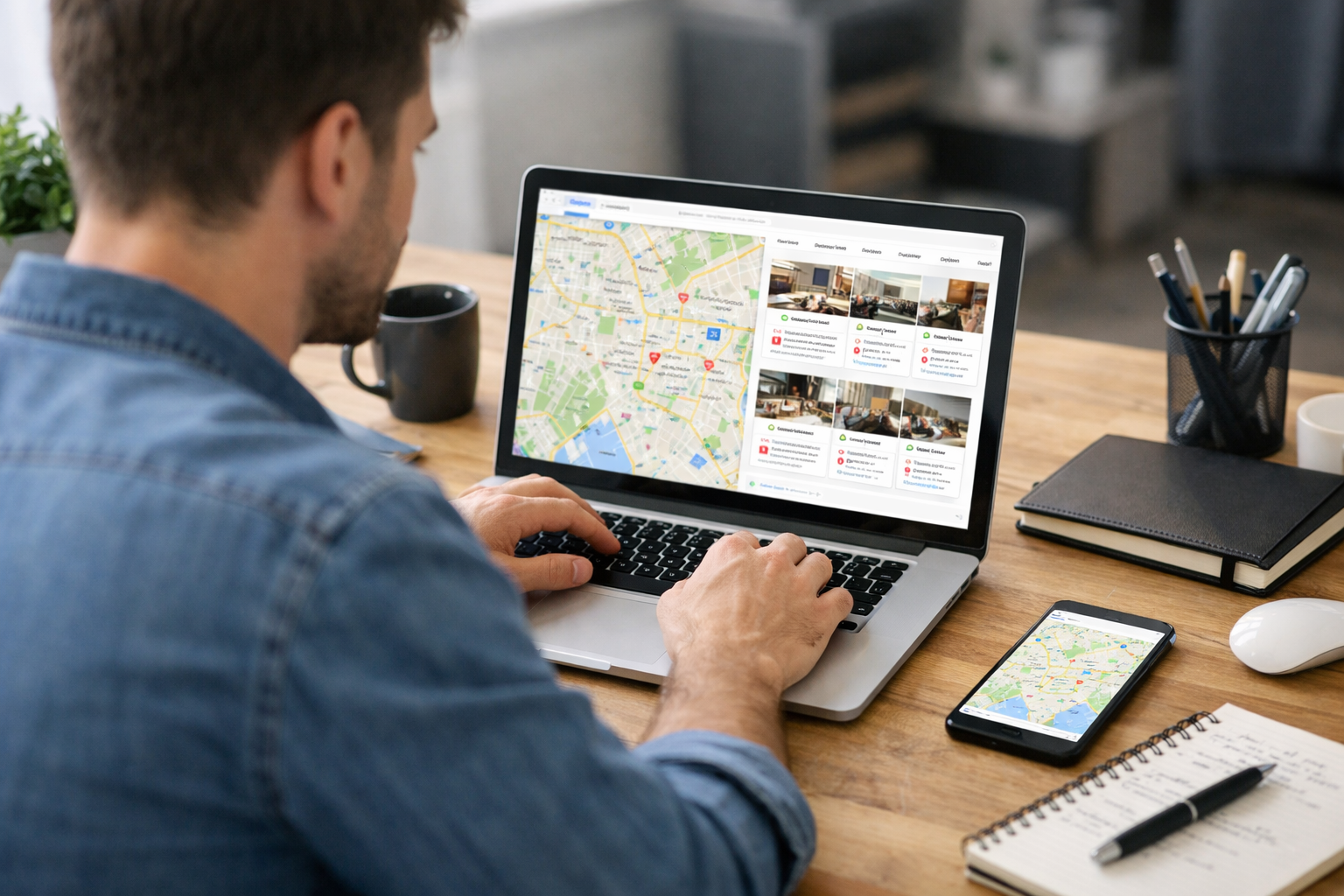
What Does ‘SEO for Google Maps’ Really Mean?
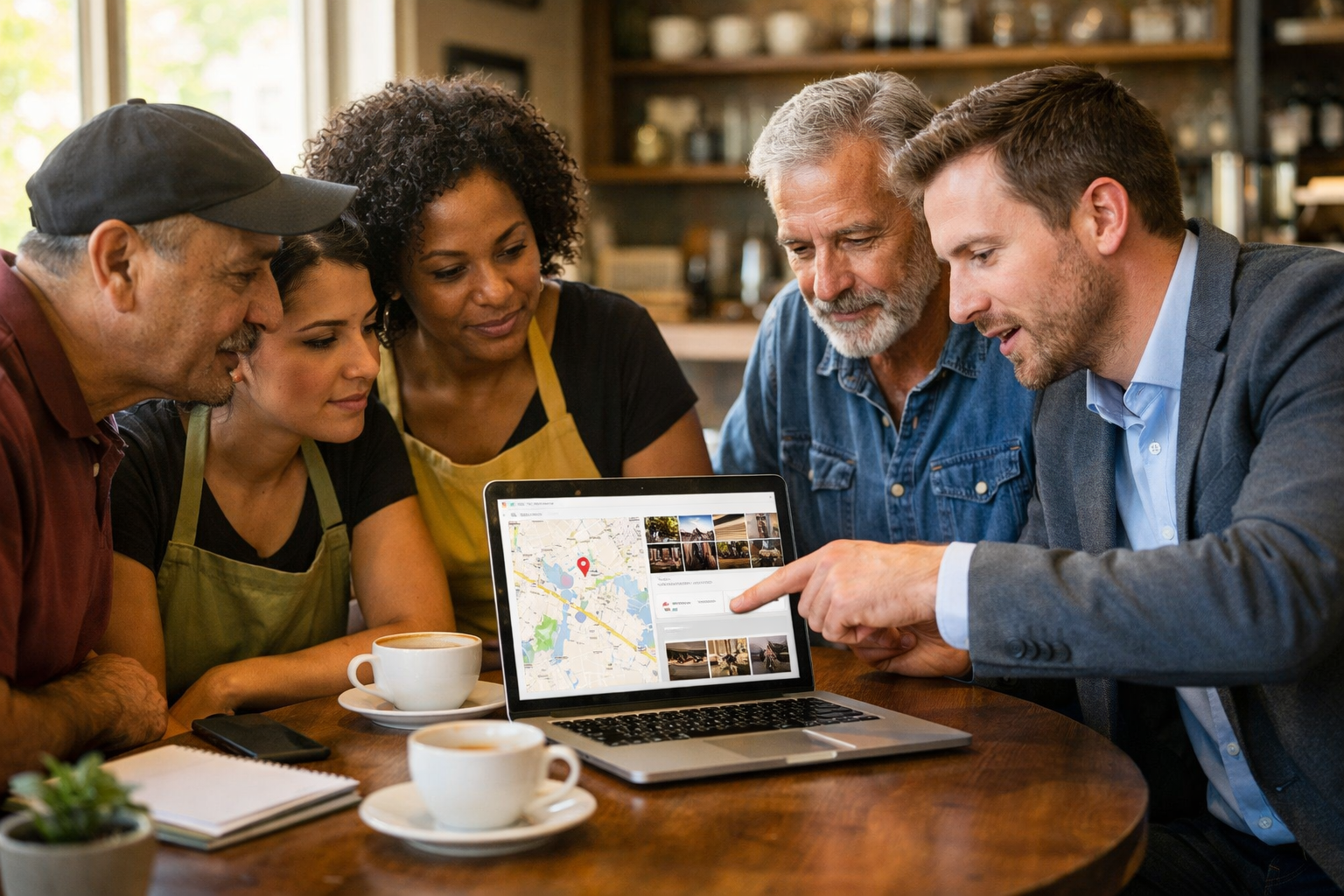
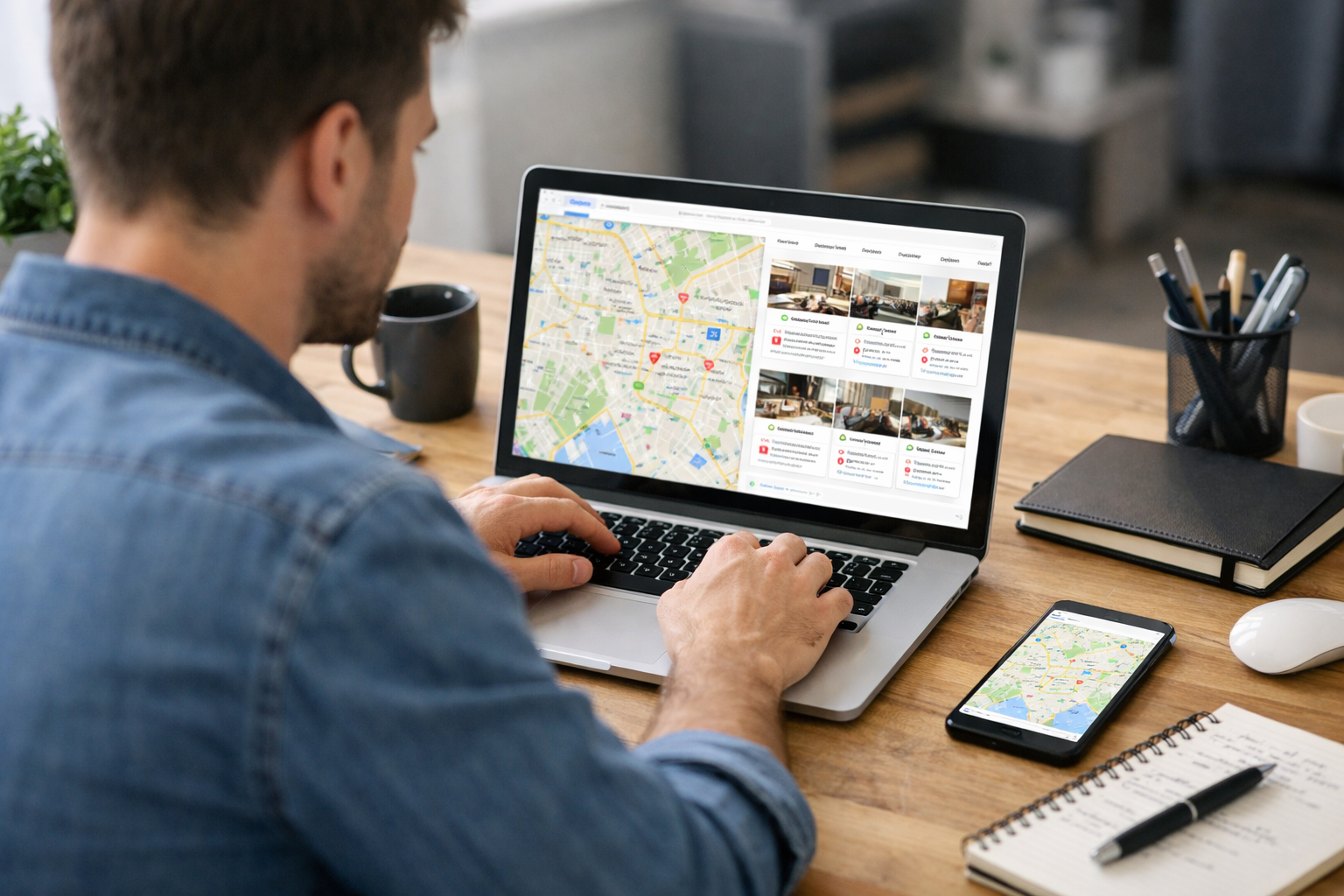
SEO for Google Maps means taking steps to help your business show up higher when people search for local services or products on Google Maps. It focuses on improving your visibility in the map results, not just regular Google search.
When someone searches for something like “web designer near me” or “Petaluma SEO company,” Google Maps shows a list of local businesses. The higher you rank in these listings, the more likely people are to see and contact your business.
SEO for Google Maps involves:
- Optimizing your Google Business Profile (formerly Google My Business)
- Gathering reviews from real customers
- Ensuring your business information is accurate and consistent across the web
- Adding photos, services, and descriptions to your profile
- Getting mentioned or listed on other local websites
This type of SEO is especially important for local businesses like restaurants, service providers, stores, or agencies such as RAD Web Marketing in Petaluma, CA. If your customers are local, showing up in Google Maps can lead directly to calls, visits, and sales.
Is SEO for Google Maps Actually Possible?
Yes, SEO for Google Maps is not only possible—it’s something thousands of businesses work on every day. Your actions can influence how often and where your business appears in the map results.
Many business owners believe that Google decides everything automatically, but that’s not the full story. While Google uses complex algorithms, there are clear steps you can take to improve your ranking. These include keeping your information up to date, responding to reviews, and making your business more relevant and trustworthy in Google’s eyes.
For further reading, see Google Maps Ranking from purerank.org.
For example, if two pet groomers in Petaluma both have Google Business Profiles, the one with more detailed information, recent photos, and better reviews is likely to appear higher on Google Maps. Businesses that ignore their profiles often get pushed down in the results, even if they’ve been around longer.
It’s not about tricking the system. It’s about making your business the best option for local customers and showing Google the right signals.
How Does Google Decide Which Businesses Show Up in Maps?
Google decides which businesses show up in Maps based on three main factors: relevance, distance, and prominence. The goal is to match searchers with the best local results.
- Relevance: How closely your business matches what someone is searching for. Google looks at your categories, services, business description, and more.
- Distance: How close your business is to the location of the person searching. If someone searches “pizza Petaluma,” shops near downtown will appear higher for people close by.
- Prominence: How well-known or established your business is online. This includes reviews, ratings, mentions on other sites, photos, and even how active you are in updating your profile.
Google combines these factors every time someone searches. For instance, if your business is a few blocks further away but has many great reviews and a detailed profile, you might outrank a closer competitor with little information or poor reviews.
Google uses automated systems and updates these rankings regularly. That means what you do today—like adding new photos or getting a new review—can impact your position in the weeks ahead.
What Actions Truly Impact Your Google Maps Ranking?
The actions that impact your Google Maps ranking are practical and within your control. Businesses who pay attention to these areas often see real results.
- Complete and accurate business information: Make sure your business name, address, phone number, website, and hours are correct and match what’s on your website and other directories.
- Choose the right categories: Select the primary and secondary categories that best describe your business. For example, “Web Designer,” “Marketing Agency,” or “SEO Consultant.”
- Get and respond to reviews: Ask real customers to leave honest reviews on your Google profile. Respond to them—especially negative ones—in a professional way.
- Add high-quality photos: Upload recent, clear photos of your location, team, products, or services. Businesses with photos are more likely to get clicks and calls.
- Keep your profile active: Post updates, special offers, or news. Google likes to see active, engaged businesses.
- Build local citations: Make sure your business is listed on other local directories (Yelp, Facebook, Apple Maps, Chamber of Commerce sites) with the same information.
- Get local backlinks: When local news sites, blogs, or partners link to your website, it signals trust to Google.
- Use Google Posts: Share news, events, or offers directly on your Google profile to engage customers.
For example, if RAD Web Marketing in Petaluma keeps their profile updated, adds new client project photos, and has consistent information on their website and directories, they’ll likely see higher placement in Google Maps for searches like “Petaluma web design.”
SEO for Google Maps vs. SEO for Your Website: What’s the Difference?
SEO for Google Maps focuses on your business profile and local signals, while website SEO focuses on your actual website and how it ranks in regular Google search results. Both are important, but they work differently.
FeatureSEO for Google MapsSEO for WebsiteMain TargetGoogle Business ProfileYour website pagesKey ActionsReviews, photos, business info, local citationsContent, keywords, technical fixes, backlinksRanking FactorsRelevance, distance, prominenceRelevance, authority, user experienceBest forLocal searchers (maps, “near me” queries)Wider audience, research-based searchesWhere Results ShowGoogle Maps, Map PackGoogle Search results
If you want more foot traffic or local calls, focus on Google Maps SEO. If you want to be found by people doing more general research or looking for detailed information, focus on your website’s SEO. Most local businesses benefit from both.

Are There Common Myths or Misconceptions About Google Maps SEO?
Yes, there are several myths about Google Maps SEO that can lead business owners in the wrong direction. Let’s clear up the most common ones:
- “You can pay Google to rank higher in Maps.” No, Google does not accept payment for higher placement in organic map results. Ads are labeled as such and are separate.
- “Reviews are all that matter.” Reviews help, but they’re just one part of the bigger picture. Incomplete profiles or inconsistent information can still hurt your ranking.
- “Once you set up your profile, you’re done.” Google likes active profiles. Ongoing updates, fresh photos, and regular engagement help maintain and improve rankings.
- “Any review will help—even fake ones.” Google can detect suspicious activity, and fake reviews can lead to penalties or loss of your profile.
- “Distance always wins.” Being closer to the searcher helps, but a less relevant or poorly rated business can still rank lower than one that’s further away but better optimized.
Understanding these points helps you focus on what really works, rather than wasting time or risking your profile.
How Can You Tell If Your Google Maps SEO Efforts Are Working?
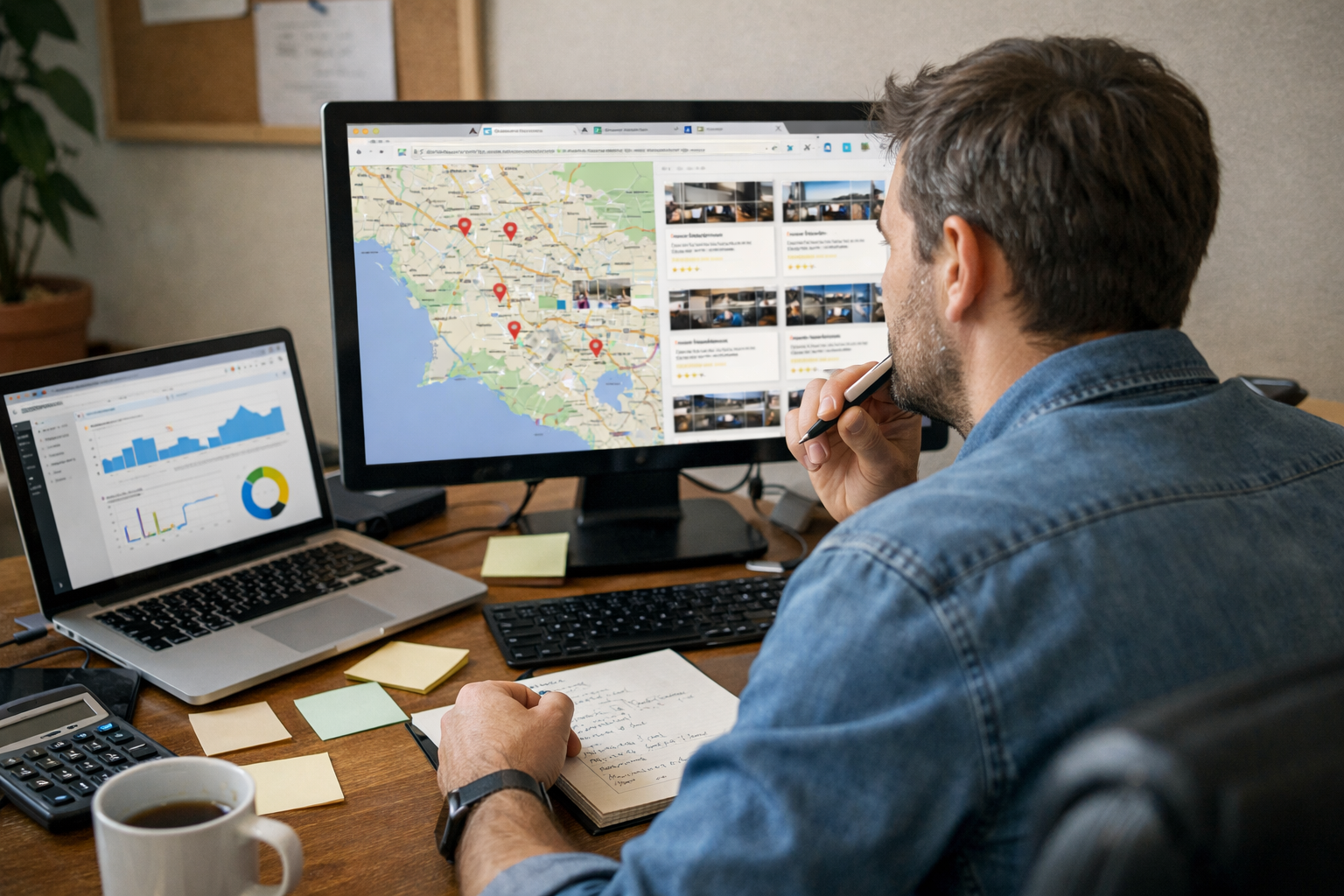
You can measure the results of your Google Maps SEO efforts using simple, practical methods. If you’re making progress, you’ll see clear signs.
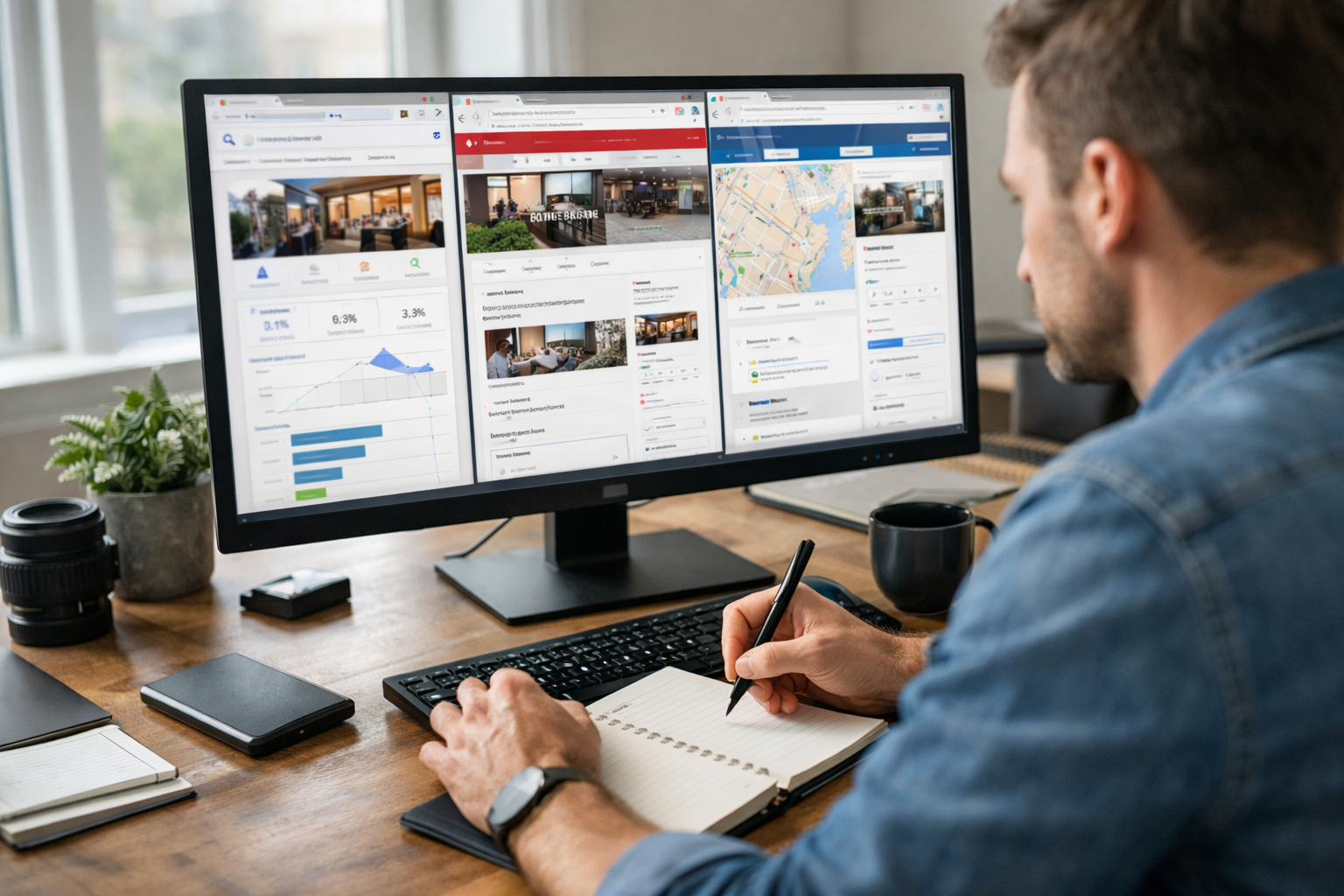
- More profile views: Check your Google Business Profile dashboard for increases in how often people see your business in Maps searches.
- Higher engagement: More calls, website clicks, direction requests, or messages from your profile.
- Improved rankings: Search for your main services or products from different locations (or use tools, if available) to see if you appear higher in the map results than before.
- More reviews: An increase in real, quality reviews means more customers are finding and choosing your business.
- Tracking leads: Ask new customers how they found you. If more mention Google Maps, your efforts are paying off.
For example, if after updating your business information and adding new photos, you start receiving more calls or direction requests, your work is making an impact. Tools like Google’s “Insights” report (built into your profile) can help you track these changes over time.
What Should Local Businesses Prioritize for Google Maps Success?
Local businesses should focus on the actions that give the biggest return for Google Maps visibility. Here’s what matters most:
- Keep your profile complete and accurate: Double-check your business name, address, phone, hours, and website. Consistency matters.
- Encourage honest reviews: Ask happy customers to leave feedback, and always reply to reviews (both good and bad).
- Add real, high-quality photos: Show your storefront, team, work, or products. Photos help you stand out.
- Update your profile regularly: Share updates, events, or special offers to show you’re active and engaged.
- Get listed on local directories: Make sure your business appears (with the same information) on sites like Yelp, Apple Maps, local chambers, and relevant industry directories.
- Check your competition: Search for your services in your area and see what top-ranking competitors are doing right—then fill in any gaps on your own profile.
Putting energy into these steps will help you rise in Maps results and draw more local customers. Companies like RAD Web Marketing can help local businesses manage and optimize these steps if you want expert support.
When Is Investing in SEO for Google Maps Worth It?
Investing in SEO for Google Maps is worth it if your customers are local and you want more phone calls, foot traffic, or service requests from nearby people. It’s a smart move for most local businesses.
Businesses like restaurants, contractors, agencies, law firms, retail shops, and service providers see the most impact. If you rely on customers finding you in their moment of need—like searching “emergency plumber near me” or “web designer in Petaluma”—then Google Maps visibility directly affects your bottom line.
On the other hand, if you serve a national or fully online audience, Google Maps SEO may be less important than traditional website SEO or digital marketing. But for local businesses, showing up in the top map listings can mean the difference between steady growth and missed opportunity.
If you want help improving your Google Maps ranking or have questions about what’s possible for your business, contact RAD Web Marketing at 707-205-3600. We help local businesses in Petaluma and the North Bay get found by more customers—right when they’re searching.

Frequently Asked Questions
How can I improve my business ranking on Google Maps?
To improve your ranking on Google Maps, focus on optimizing your Google Business Profile by keeping your information accurate and consistent, adding photos, and encouraging customer reviews. Make sure your business is listed on other reputable local websites and update your services and descriptions regularly for the best results.
Does having more reviews help my business show up higher on Google Maps?
Yes, having more genuine customer reviews can help your business appear higher in Google Maps results. Encourage your satisfied customers to leave positive feedback, and make sure to respond to all reviews to show you value customer input.
What information should I include in my Google Business Profile for better SEO?
Include accurate business name, address, phone number, website, hours, and detailed descriptions of your services or products in your Google Business Profile. Adding high-quality photos and keeping your profile updated also helps attract more attention on Google Maps.
Can RAD Web Marketing help with Google Maps SEO for my local business?
Yes, RAD Web Marketing specializes in SEO services, including optimizing your presence on Google Maps for better local visibility. You can contact them at 707-205-3600 or info@radwebmarketing.com to discuss your needs and get expert assistance.
Is it necessary to update my business information across all websites for Google Maps SEO?
Absolutely—keeping your business name, address, and phone number consistent across all websites and directories is crucial for Google Maps SEO. Inconsistent information can confuse Google and lower your chances of ranking well in local searches.
Related reading: Why Google Business Profile Optimization Does Not Guarantee Map Pack Rankings Without Consistent Local Signals




































0 Comments