

Creating an effective call to action (CTA) button on your landing page can significantly impact the success of your digital marketing efforts. A well-designed CTA can guide potential customers through the buying process, making it a crucial element for conversion optimization. In this article, we'll explore the best practices for crafting the perfect CTA button, complete with examples and actionable tips. You'll gain insights into how to make your CTAs stand out and drive the results you want.
Understanding the Role of CTA Buttons
CTA buttons are more than just a clickable element on your website; they're a vital part of the user journey. A compelling CTA can be the difference between a bounce and a conversion. So, what makes a CTA effective? It's a combination of design, placement, and wording that compels users to take action.
The Importance of Design
The design of your CTA button can greatly influence its effectiveness. A well-designed button should be visually striking without being overpowering. Here are some key design elements to consider:
- Color: Choose a color that contrasts with your landing page background to make the CTA stand out. For instance, if your site has a cool color palette, a warm-toned button can draw attention.
- Size: The button should be large enough to notice but not so large that it overwhelms the page. Aim for a size that is easily clickable, especially on mobile devices.
- Shape: Rounded corners can make buttons appear more inviting. Experiment with different shapes to see what resonates best with your audience.
For example, a company offering logo design services might use a bold, eye-catching button with the text “Get Your Free Logo Consultation” in a color that complements their brand palette.
Strategic Placement
Where you position your CTA button on the page can affect how users interact with it. The goal is to place it where it naturally aligns with the flow of information on the page.
- Above the Fold: Placing the CTA button above the fold can increase visibility and encourage immediate action.
- At the End of a Section: If your landing page includes multiple sections of content, consider placing a CTA at the end of each section to capture interest as it peaks.
- Near Related Content: Position CTAs close to relevant content, such as an explanation of your search advertising strategy, to maintain the reader's focus.
For instance, a business offering Google Ads management might place their CTA “Start Your Free Trial” at the end of a section detailing the benefits of their service.
Crafting Compelling CTA Copy
The wording of your CTA button is just as important as its design. It should be clear, concise, and action-oriented. The goal is to convey exactly what will happen when users click the button.
Using Action-Oriented Language
Action words are the driving force behind effective CTA copy. They create a sense of urgency and motivate users to take the next step. Here are some examples of action-oriented language:
- Direct Commands: Use verbs like “Download,” “Get,” “Start,” or “Try” to initiate immediate action.
- Benefit-Focused Phrases: Highlight what the user will gain, such as “Unlock Your Free Trial” or “Discover More Tips.”
- Urgency Drivers: Create a sense of urgency with phrases like “Limited Time Offer” or “Join Now.”
For example, a web maintenance service might use a CTA like “Schedule Your Routine Site Updates” to encourage users to take proactive steps in maintaining their website.
Personalization and Relevance
Personalized and relevant CTAs can increase engagement by addressing the user directly. Consider tailoring your CTA copy to your audience's needs and preferences.
- Segmented Targeting: Customize CTAs based on user demographics or behavior, such as returning visitors versus new leads.
- Contextual Relevance: Ensure your CTA aligns with the content preceding it, maintaining consistency and relevance.
- First-Person Perspective: Using first-person language like “Get My Free Guide” can create a more personal connection.
For a business profile management service, a CTA like “Optimize My Business Profile Now” directly addresses the user's intent and needs.
Testing and Analyzing CTA Performance
Once you've crafted and implemented your CTA buttons, it's vital to test and analyze their performance to ensure they're driving the desired results. A/B testing and analytics tools can provide valuable insights into how users interact with your CTAs.
Conducting A/B Tests
A/B testing involves creating two or more versions of a CTA button to determine which performs better. This method allows you to make data-driven decisions about design and copy.
- Identify Variables: Test one variable at a time, such as color, wording, or placement, to isolate its impact.
- Set Clear Goals: Define what success looks like, whether it's an increase in clicks, conversions, or another metric.
- Analyze Results: Use tools like Google Analytics to track the performance of each version and determine the most effective approach.
For instance, a business exploring AI visibility tactics might test a CTA like “Boost Your AI Visibility” against “Enhance Your AI Strategy” to see which resonates more with their audience.
Utilizing Analytics Tools
Analytics tools can provide deeper insights into how users interact with your CTA buttons. By analyzing user behavior, you can identify areas for improvement.
- Heatmaps: Visualize where users click and how they navigate your page, helping you optimize CTA placement.
- Conversion Tracking: Monitor the conversion rate of each CTA to assess its effectiveness over time.
- User Feedback: Collect feedback through surveys or user testing to gain qualitative insights into user preferences.
For a conversion-focused redesign, analyzing user interactions with CTAs can inform strategic changes that enhance the overall user experience.
Additional Tips for Effective CTA Buttons
Beyond design, wording, and testing, there are additional strategies you can employ to enhance the effectiveness of your CTA buttons.
Consistency Across Platforms
Ensure that your CTAs are consistent across different platforms and devices. This uniformity helps reinforce your brand message and provides a seamless user experience.
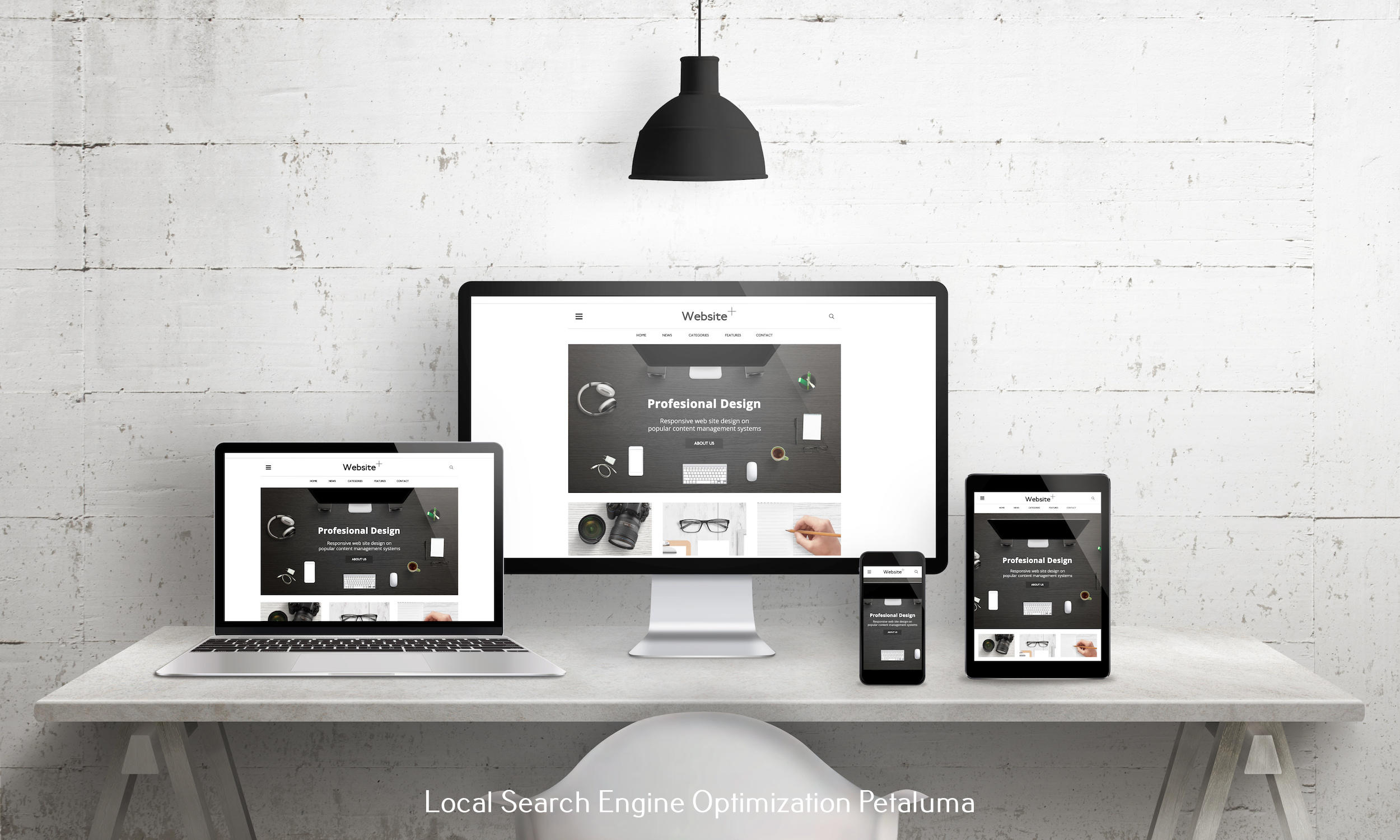
- Responsive Design: Optimize CTAs for mobile devices to accommodate different screen sizes and orientations.
- Platform-Specific Language: Adjust CTA wording to suit the platform, such as “Tap to Download” for mobile apps.
- Consistent Branding: Maintain consistent design elements, like color and typography, across all CTAs to reinforce brand identity.
For a brand strategy development firm, ensuring that all CTAs align with the overarching brand message can strengthen brand recognition and trust.
Encouraging Micro-Conversions
Micro-conversions, such as signing up for a newsletter or downloading a resource, can help build user engagement and lead to larger conversions.
- Step-by-Step CTAs: Break down the conversion process into smaller steps, each with its own CTA, to guide users smoothly through the funnel.
- Value-Added Offers: Provide additional value through offers like “Download Our Free E-book” to entice users to engage.
- Follow-Up CTAs: After a micro-conversion, present a follow-up CTA to encourage further action, such as “Explore Our Paid Social Advertising Options.”
By incorporating these strategies, businesses can build a more engaged audience and increase the likelihood of conversions through their CTA buttons.
Conclusion
Crafting the perfect call to action button requires a thoughtful approach to design, wording, and testing. By focusing on clarity, relevance, and user engagement, you can create CTAs that effectively guide users toward conversion. As you implement these strategies, remember to continuously test and refine your CTAs to ensure they remain effective. For businesses looking to enhance their digital marketing efforts, optimizing CTA buttons is a crucial step in driving success.





































0 Comments